7 Best Habit Tracker App Picks for Lasting Routines
It's 9 p.m., you're tired, and the reminder you set for meditation, journaling, or a walk has already been dismissed twice. You meant to log yesterday too, but the entry screen asked too many questions, the streak reset to zero, and motivation faded. That pattern isn't a willpower problem. It's usually a mismatch between your routine and the system you're asking to support it.
A good habit tracker app should fit how you live, not how a perfect week looks on paper. The seven picks below cover very different workflows, from calm reflection and private offline logging to cross-device sync, measurable goals, and game-based accountability. Each one includes a practical setup tip, because the first week matters more than a long feature list. Habits also take far longer for some people than others. In the study summarized in the British Psychological Society overview of Lally's habit research, modeled time to reach 95% of eventual automaticity ranged from 18 to 254 days among qualifying participants. Pick a tool you can stick with for months, not days.
Table of Contents
- 1. MicroTrack
- 2. Habitify
- 3. Strides
- 4. Loop Habit Tracker
- 5. Way of Life
- 6. Streaks
- 7. Habitica
- Habit Tracker App Comparison: 7 Top Apps
- Pick Your Tracker and Start Your First Week
1. MicroTrack
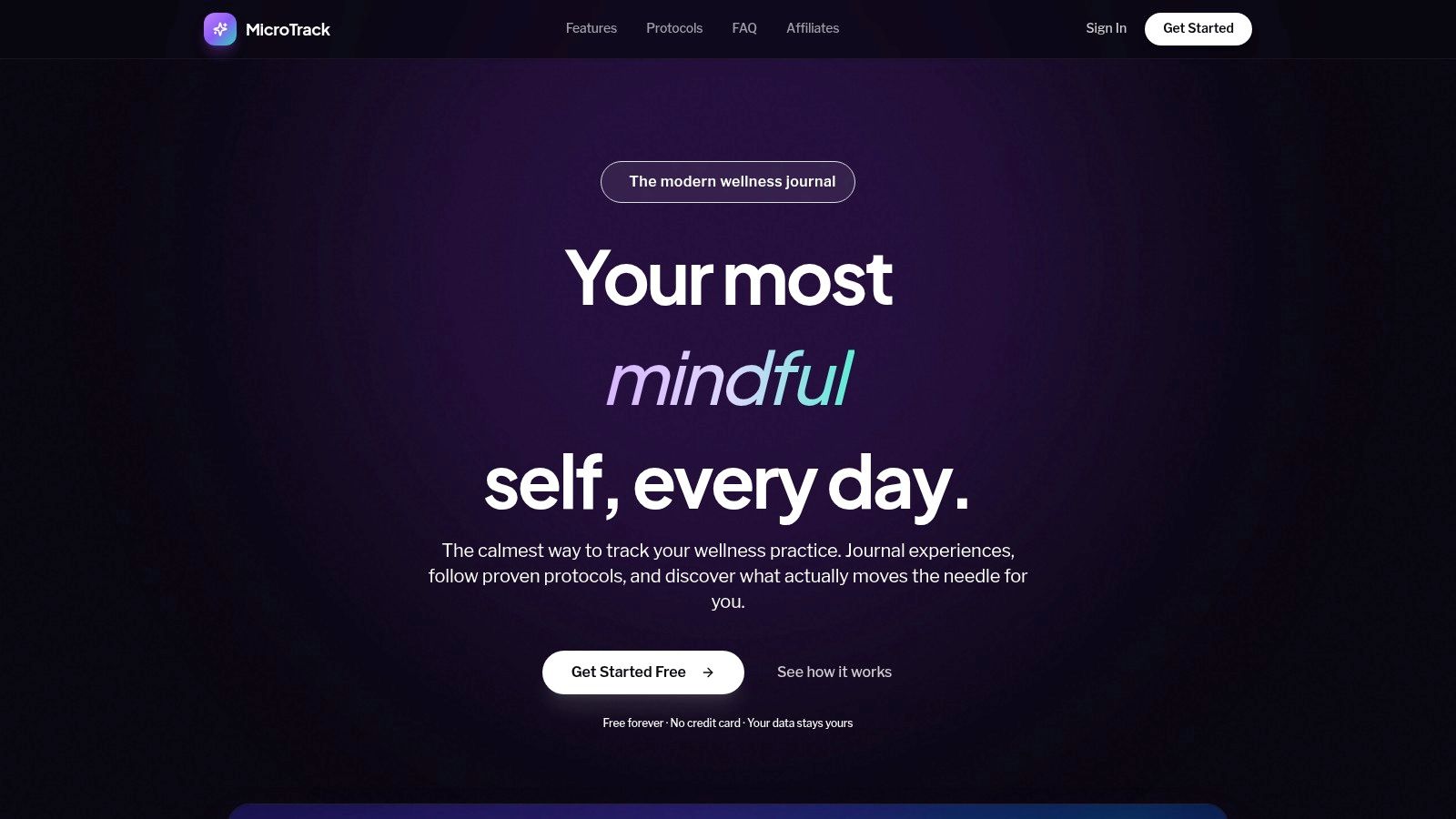
Best for reflective, schedule-based tracking. MicroTrack is a free-forever microdosing journal for people who want structure without streak pressure. You log dose details, sensations, or side effects when they happen, then return later to add reflection. That two-phase entry matters because an immediate impression and a next-day judgment are often different things.
The core record combines a 10-point mood scale with notes and timing. You can follow Fadiman's 1-on/2-off protocol, Stamets' 4-on/3-off schedule, or a custom cadence, then use calendar controls to skip or add days when life changes. Over time, mood trends, frequency views, and time-of-day distributions help you compare dosing and non-dosing days in your own history.
How to Set It Up Well
Start with one protocol and log the same few fields every time: dose timing, amount, mood, sleep or energy notes, and one short reflection later. Don't try to interpret week one. A structured history is valuable precisely because memory is selective, and expectancy can shape perceived benefits, a caution reinforced by the Harvard Petrie-Flom summary of a self-blinding microdosing trial where 191 participants in placebo and active groups improved by similar amounts.
- Strengths: No paywalls, credit-card requirement, streaks, or gamification. Searchable history and CSV export make records portable.
- Privacy stance: MicroTrack says entries are encrypted in transit and at rest, never sold or shared or used to train AI, and deletable with one click.
- Limits: Patterns don't prove cause and effect or replace medical guidance. The site provides no customer testimonials, awards, or independent audit details.
That deletion point is not trivial. In a review of mental-health app deletion options, only 28%, or 7 of 25 apps, offered deletion directly inside the app. If your journal contains sensitive reflections, self-service control should be a deciding feature, not a bonus.
2. Habitify
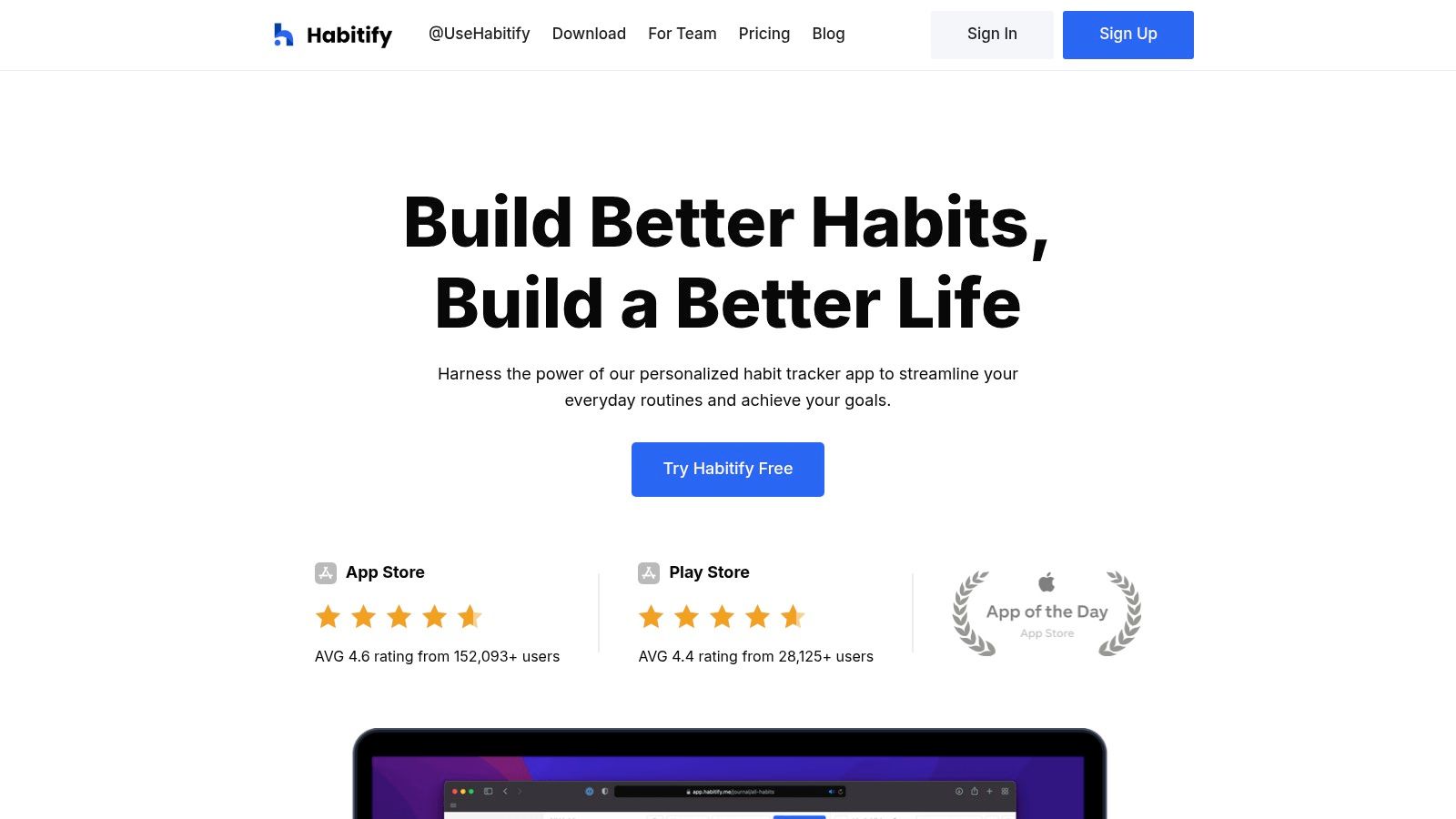
Best for people who move between devices all day. Habitify runs on iOS, Android, macOS, Windows, Apple Watch, and Wear OS, so you can check in from whichever screen is closest. That's the right trade if your routine spans a desk, a commute, and an evening walk.
You get habit schedules, reminders, progress charts, and journal features, plus integrations with Apple Health and Google Fit. Setup tip: group habits by time of day before you add integrations. A clean morning, afternoon, and evening list is easier to act on than one long wall of tasks, and you'll spot overloaded parts of your day faster.
Practical rule: If logging takes more than a few seconds, simplify the habit definition before you blame your discipline.
Low-friction entry is the whole game. In a JMIR digital health pilot reporting frequent daily missions, participants averaged 6.5 days per week of activity, although that small cohort shouldn't be treated as a population benchmark. For Habitify, use its device reach to make entry nearly effortless rather than building elaborate dashboards.
- Strengths: Broad device support, useful organization, and a free plan for testing the core workflow.
- Limits: The free tier covers three habits, advanced features require payment, and the integration options can feel like overhead if you only want a simple checklist.
Choose Habitify when sync is your friction point. Skip it if you'd rather open one calm screen and be done.
3. Strides
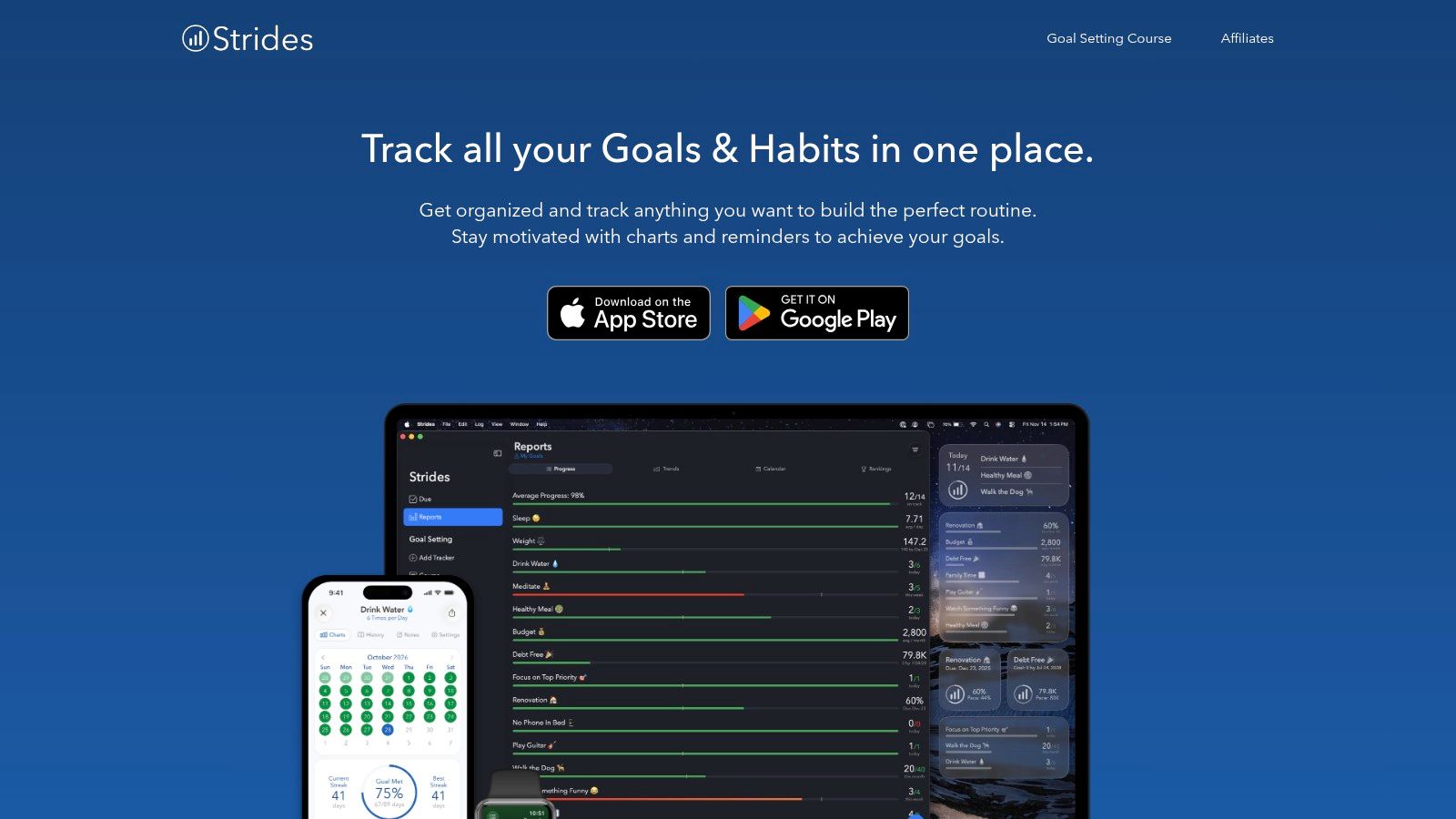
Some routines aren't yes-or-no. You might want to average a certain amount of reading, reduce caffeine, or hit a measurable savings target. Strides is built for that mix, tracking habits, SMART goals, averages, and behaviors to reduce in one Apple-focused system.
It offers more than 150 templates, custom trackers, reminders, notes, charts, and progress reports across iPhone, iPad, Mac, and Apple Watch. Setup tip: start from a template, then change only the unit and target. Building every tracker from scratch is where people stall, and templates help you learn the difference between a habit tracker and a goal tracker by using both.
Where Strides Fits Best
Strides suits planners who review numbers weekly and want context beyond a streak chain. Pair one daily habit with one averaged goal, then check the report every Sunday. That rhythm connects naturally to building a realistic habit schedule that reflects weekdays, weekends, and rest days instead of assuming every day looks identical.
- Strengths: Flexible tracker types and reports that show progress in context.
- Limits: No Android version is listed, the free plan covers three trackers, and the range of options takes some setup to understand.
If you're firmly in the Apple ecosystem and your goals have numbers attached, Strides is a strong fit. If you only need daily ticks, it's more system than you need.
4. Loop Habit Tracker
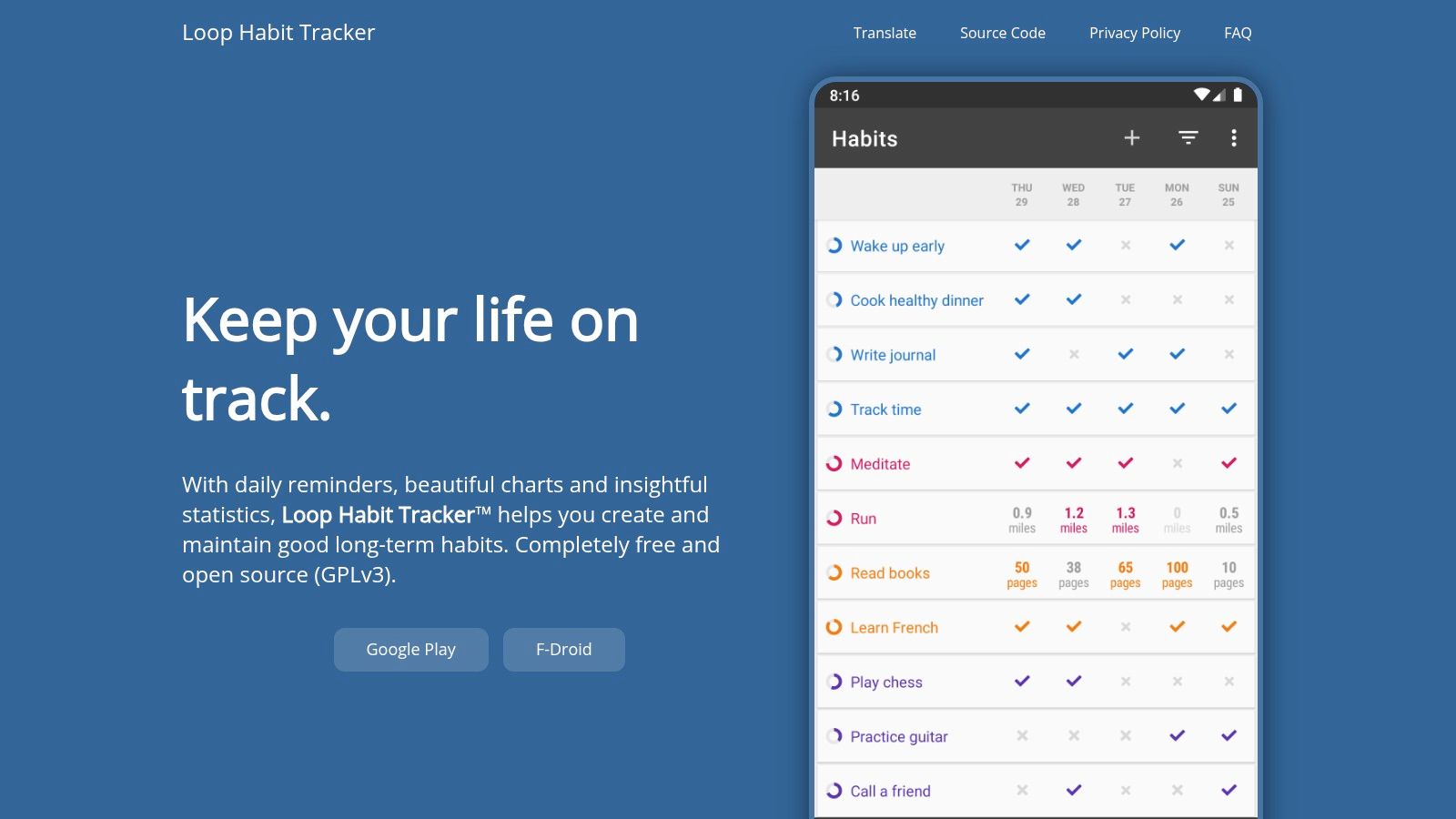
Best for private, offline tracking on Android. Loop Habit Tracker is free, open source under GPLv3, and doesn't require an account. Your data stays on your device, and you can export it to CSV or SQLite whenever you want a backup or a closer look in a spreadsheet.
That local-first design answers a real concern. In a European eHealth privacy survey published by Oxford Academic, only 26.09% of respondents reported confidence in the privacy of their eHealth data. Loop's answer is simple. Keep sensitive routine data off a company server in the first place.
Setup tip: create your habits, turn on one reminder per habit at a time you'll honor, and export a backup at the end of your first week. Because there's no built-in cloud sync, that export habit protects you when you change phones. Treat it as part of the routine, like backing up photos.
Local storage is only private if you also control your backups. Export early, store the file somewhere safe, and test that you can find it again.
- Strengths: Free and ad-free, with reminders, detailed charts, statistics, and offline use.
- Limits: Android-focused with no official iOS app listed, no cloud sync, and little guided coaching or journaling.
Loop is the clear pick if privacy and ownership matter more than polish or cross-device convenience.
5. Way of Life
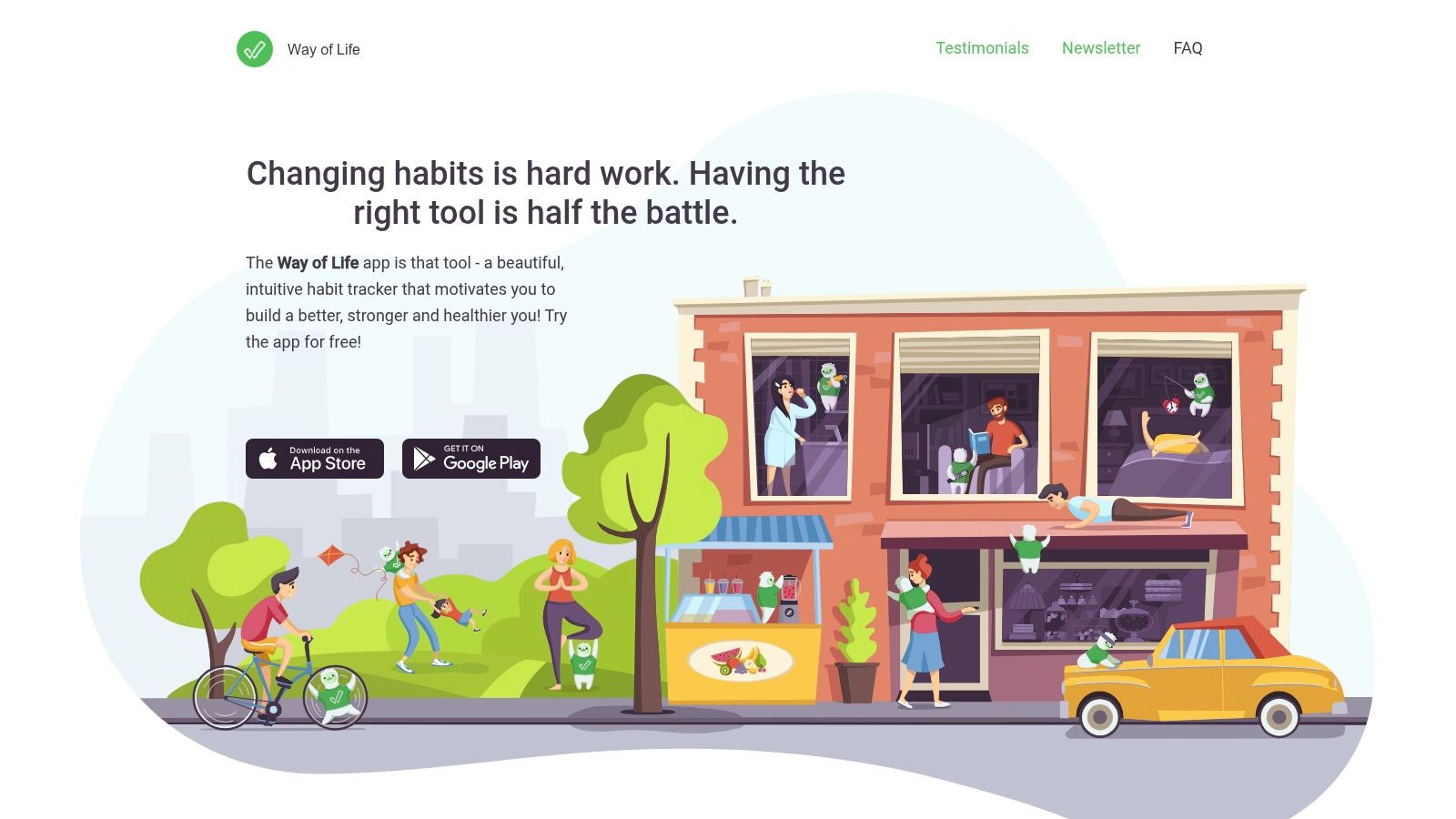
Best for fast daily scanning over long periods. Way of Life uses a color-coded daily log for habits you want to build and behaviors you want to reduce. One glance shows whether a week was mostly on track, mostly off, or mixed, without opening individual charts.
Notes sit alongside each record, so you can capture context or triggers in a line or two. Setup tip: write a short definition for each habit before you start, such as what counts as exercise or what counts as a late night. Vague definitions create daily negotiation, and negotiation is where quick-entry systems break down.
Making the Grid Honest
Use the notes field for the reason, not an essay. Travel, illness, deadline, low energy. Over months, those tags explain the red patches better than memory will. That matters because a systematic review of digital health check-in completion reported 70% of participants completing check-ins at several follow-up points, which means a substantial minority didn't, even in study conditions. A tracker has to survive imperfect weeks.
- Strengths: Very quick logging, longer-term charts, app-locking options, and CSV, Excel, and JSON export.
- Limits: Premium is required for unlimited habits, Android availability should be verified since the official listing is for iPhone, and yes/no logging won't suit detailed quantities.
Pick Way of Life if you'll track the same handful of behaviors for a long time and want the whole run visible at once.
6. Streaks
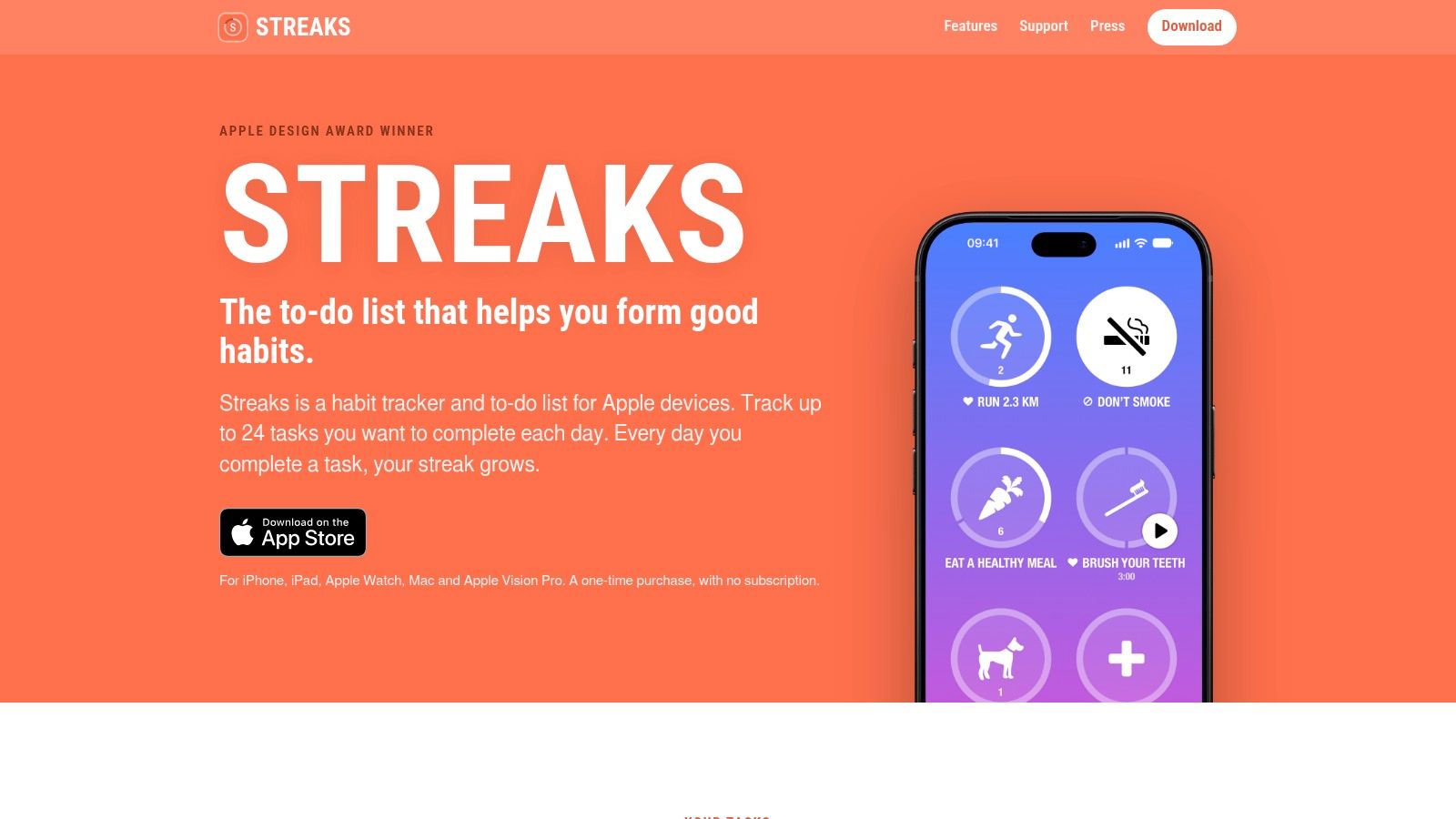
Streaks does exactly what its name promises. It's an Apple-only tracker built around completing tasks consistently, with support for up to 24 tasks, iCloud sync across iPhone, iPad, Mac, and Apple Watch, and widgets that keep today's list visible.
Its smartest feature is automation. Eligible tasks can be marked complete using Apple Health data, so a walking or workout habit gets logged because you did it, not because you remembered to tap. Setup tip: automate one health task first, keep the rest manual, and put the widget on your home screen. You'll learn quickly whether visible streaks motivate you or just create pressure.
That pressure is the trade-off to weigh. Streaks can be energizing when you're on a run and discouraging after a missed day, which is why thinking through how consistency should be measured matters before you commit to a chain-based system. A weekly completion rate often tells a fairer story than a reset counter.
- Strengths: One-time purchase rather than a subscription, strong Watch and Health integration, and support for reducing behaviors as well as building them.
- Limits: No Android or Windows version and a fixed ceiling on tasks.
Choose Streaks if you're Apple-only, you like visual momentum, and a broken chain pushes you to restart rather than quit. If missed days tend to spiral, pick a lapse-tolerant tool instead.
7. Habitica
Habitica turns habits, recurring dailies, and one-off to-dos into a role-playing game. Completing tasks earns progress and rewards for your character, while parties, quests, challenges, and guilds add social accountability. For the right person, that game layer is not decoration. It's the reason they come back.
Setup tip: resist building a huge quest board on day one. Create three dailies tied to your real routine, one habit you can mark up or down, and join a small party only after your first week. You'll learn the task system without spending more time managing the game than doing the habits.
Who Should Skip the Game Layer
Habitica's complexity is both the appeal and the risk. Character progression, collectibles, and group mechanics can motivate people who find plain checklists dull, but they can also distract anyone who wants a quiet log. Be honest about which person you are, because novelty fades and the underlying workflow is what remains.
Personalization claims deserve the same skepticism across every app here. A 2025 review of personalized mental-health apps found only limited direct comparisons with non-personalized versions, so adaptive features shouldn't be assumed superior just because they sound smarter. Prefer tools where you can see and control the rules affecting your routine.
- Strengths: Basic use is free, social features create real accountability, and web plus mobile apps sync across devices.
- Limits: Game systems add overhead, and optional subscription and in-app purchase pricing can vary by platform and location.
Pick Habitica if teammates and rewards keep you engaged. Pick anything else on this list if you want tracking to stay invisible.
Habit Tracker App Comparison: 7 Top Apps
| Tool | 🔄 Setup and use complexity | ⚡ Cost and platform resources | 📊 Tracking and expected outcomes | ⭐ Ideal use case | 💡 Key advantage |
|---|---|---|---|---|---|
| MicroTrack | Structured two-phase entries; supports preset or custom schedules | Free forever; web-based | Mood trends, schedule patterns, searchable history, and CSV export; insights reflect self-reports, not medical evidence | Recording and reflecting on microdosing experiences | Flexible schedules and privacy-focused data controls |
| Habitify | Moderate; reminders, organization, and integrations add options | Free for up to 3 habits; paid plans; broad mobile, desktop, and wearable support | Progress views, charts, and reflections | Managing routines across multiple devices | Wide platform support and integrations |
| Strides | Moderate; multiple tracker types may need initial setup | Free for up to 3 trackers; Apple devices | Charts and reports for habits, SMART goals, averages, and measurable targets | Tracking routines alongside specific goals | Flexible tracker types and templates |
| Loop Habit Tracker | Simple, focused tracking | Free and open source; Android; offline use; no account required | Reminders, charts, statistics, and CSV or SQLite export | Private, offline habit tracking on Android | Local data storage and no subscription |
| Way of Life | Simple daily check-ins, with optional notes | Premium required for unlimited habits; iPhone listing; free cloud backup listed | Color-coded logs, longer-term charts, and data export | Quickly tracking habits to build or behaviors to reduce | Fast logging with context notes |
| Streaks | Simple, streak-centered workflow | One-time purchase; Apple devices; syncs via iCloud | Tracks up to 24 tasks; eligible tasks can use Apple Health data | Apple users motivated by consistent task completion | Apple Health and Watch integration |
| Habitica | Higher; game and social features add complexity | Basic use is free; optional subscriptions and purchases; web and mobile apps | Task completion drives in-game progress; groups add accountability | Users motivated by game mechanics and social goals | Gamification can make routines more engaging |
Pick Your Tracker and Start Your First Week
Match the app to your routine type first and your feature wishlist second. Choose MicroTrack for calm, reflective logging on a flexible schedule, especially when mood and context matter more than streaks. Choose Habitify if you switch between phone, computer, and watch all day. Choose Strides when your goals involve targets and averages inside the Apple ecosystem.
Choose Loop for private, offline Android tracking you fully control. Choose Way of Life to scan months of yes, no, and skip patterns at a glance. Choose Streaks if visible chains and Apple Health automation motivate you, and Habitica if a party counting on you is what finally makes a routine stick.
Your First Week in Three Steps
- Step 1, log one thing: Pick a single habit, define exactly what counts, and set one reminder at a time tied to something you already do, like breakfast or locking up at night.
- Step 2, review trends, not days: At the end of the week, look at the pattern. Note when you logged, when you didn't, and what was happening, without treating a missed entry as proof you failed.
- Step 3, refine one variable: Change the time, shrink the target, or simplify the entry. Don't rebuild the whole system, because small adjustments are easier to evaluate.
Keep the same app for several weeks before judging it. The broader context supports patience, since mobile health adoption data summarized by Market.biz reported 311 million health-app users globally in 2023, showing self-monitoring is a mainstream long-term behavior rather than a quick fix. Your data gets more useful as it accumulates, and switching tools every fortnight resets that advantage.
The best habit tracker app is the one that fits your phone, your privacy comfort, and your worst week, not just your best one. Start small, log consistently, and let the trend line do the persuading.
If you want a calm, free-forever way to track a schedule-based practice with a 10-point mood scale, two-phase reflections, and trend views you can export anytime, try MicroTrack and log your first entry today. There's no credit card, no streak pressure, and no paywall between you and your own history.